Buying Your First Domain: A Click-by-Click Walkthrough
Leave with: one year of your own .com bought in your name, with every upsell calmly declined.
Buying your first domain is the one part of your affiliate site that has to be in your name — and the one part most walkthroughs race past. This guide walks you through the whole purchase, click by click, so you walk out with one year of a .com and nothing you did not need.
Why You Buy the Domain — Not Your AI Agent
This is the one piece of your site that a tool should not handle for you. Your AI agent can prepare a five-name short list, compare registrars, and write the exact click-path. It cannot put your name on a contract. The domain is an asset tied to your identity and your payment method — the registrar's terms are a contract you sign.
The reason is practical. The account is in your name, the payment is your money, and legal ownership belongs to a real person with a real email. If anything goes wrong — a forgotten renewal, a support call, a transfer — your account fixes it, not an agent's. So the buy is yours, and it is the only part of an affiliate site that is a truly personal financial act. The agent doing everything else is leverage; the agent doing this one part would be a lie about who owns the site.
The second reason: the registrar's cart is full of add-ons, and if you have never bought a domain, the cart is the trap. A click-by-click walkthrough is the antidote.
Which Registrar to Use
Three registrars are the right starting set for a beginner. They all work; they differ in pricing, in how aggressive the upsell cart is, and in the experience of managing DNS later. You only make this choice once. (Prices change — re-verify the day you buy. [VERIFY — recheck at publish].)
| Registrar | Base .com price (1 year) | WHOIS privacy | Known upsell behavior | Best for |
|---|---|---|---|---|
| Porkbun | Low base, low renew [VERIFY] | Free, included | Adds SSL, email, site builder — all declineable | The default for a beginner. Transparent, quiet cart. |
| Namecheap | Mid base; sometimes cheap first year [VERIFY] | Free with purchase | Pushes SSL, email, "PremiumDNS," site builder | Fine if you already have an account. Chattier cart. |
| Cloudflare Registrar | At-cost, no markup [VERIFY] | Included (redaction) | Almost none | Only if you already use Cloudflare. |
Porkbun is the recommendation if you have no strong reason to pick another: cheap at registration and renewal, free privacy, a quiet cart. Namecheap is fine if you already have an account. Cloudflare Registrar is the cheapest and cleanest, but only if you are already on Cloudflare — adding an account just to buy a domain is overkill. GoDaddy's cart is aggressive; skip it unless you already have an account.
One row is missing on purpose: a "premium" tier. If your name is only available at a premium price (often several hundred dollars, because someone is squatting it), walk away and take the next name on your agent's short list.
The Buy, Click by Click
Button names shift as registrars update their interfaces, so treat these as the well-known versions and re-check them the day you buy [VERIFY — recheck at publish].
- Open the registrar — by typing the URL. Type the address into your browser bar. Do not click a search result: search ads can impersonate the registrar, and a phishing page that looks real is exactly what a first-time buyer clicks. If the page asks you to sign in, the URL you typed is the real one.
- Search the name. Type the exact name your agent proposed — no spaces, no hyphens. Add
.comfrom the dropdown. Click search. - Read the result. Available? You see the
.comwith a price. Taken? You see a "taken" message. Available only at a premium price? Walk away and take the next name. - Add the name to the cart. Click "Add" or "Continue." The cart fills with the name plus, usually, three or four suggested add-ons. You are about to remove them.
- Decline the upsells. For each add-on, find the small checkbox or toggle that opts you in and untoggle it. Use the "No thanks" link where the cart offers one. The only line items you want at the end: the domain for one year, and WHOIS privacy on. Nothing else.
- Choose the term — one year. Do not add extra years on a "lock in the discount" suggestion. You may want to switch registrars in a year; a multi-year lock-in is a small trap.
- Create the account. Use a real personal email you check, not a throwaway. The agent will not log into this account — only you will. A Gmail address is fine; you can set up a
hello@yourdomain.comforwarding address later. - Pay. Your money, your card, your act. Do not share payment details with the agent; this is the line the whole method keeps.
- Confirm WHOIS privacy is on. After payment, open the domain's settings and confirm privacy ("WhoisGuard," "redaction,") is enabled. Porkbun and Cloudflare include it by default; Namecheap has a free tier on by default. If your registrar tries to charge for it, you picked the wrong registrar.
- Turn on auto-renew, then set a 30-day reminder. Auto-renew stops the domain from accidentally expiring. The reminder means you are never surprised by a renewal charge.
- Save the login in a password manager. Lose this account and you lose the domain — no agent can recover it.
The whole flow should take about ten minutes. If you have been staring at the cart for twenty minutes, you are probably looking at an upsell you do not need — refresh and add the name again.
The Upsells, Named So You Can Decline Them Calmly
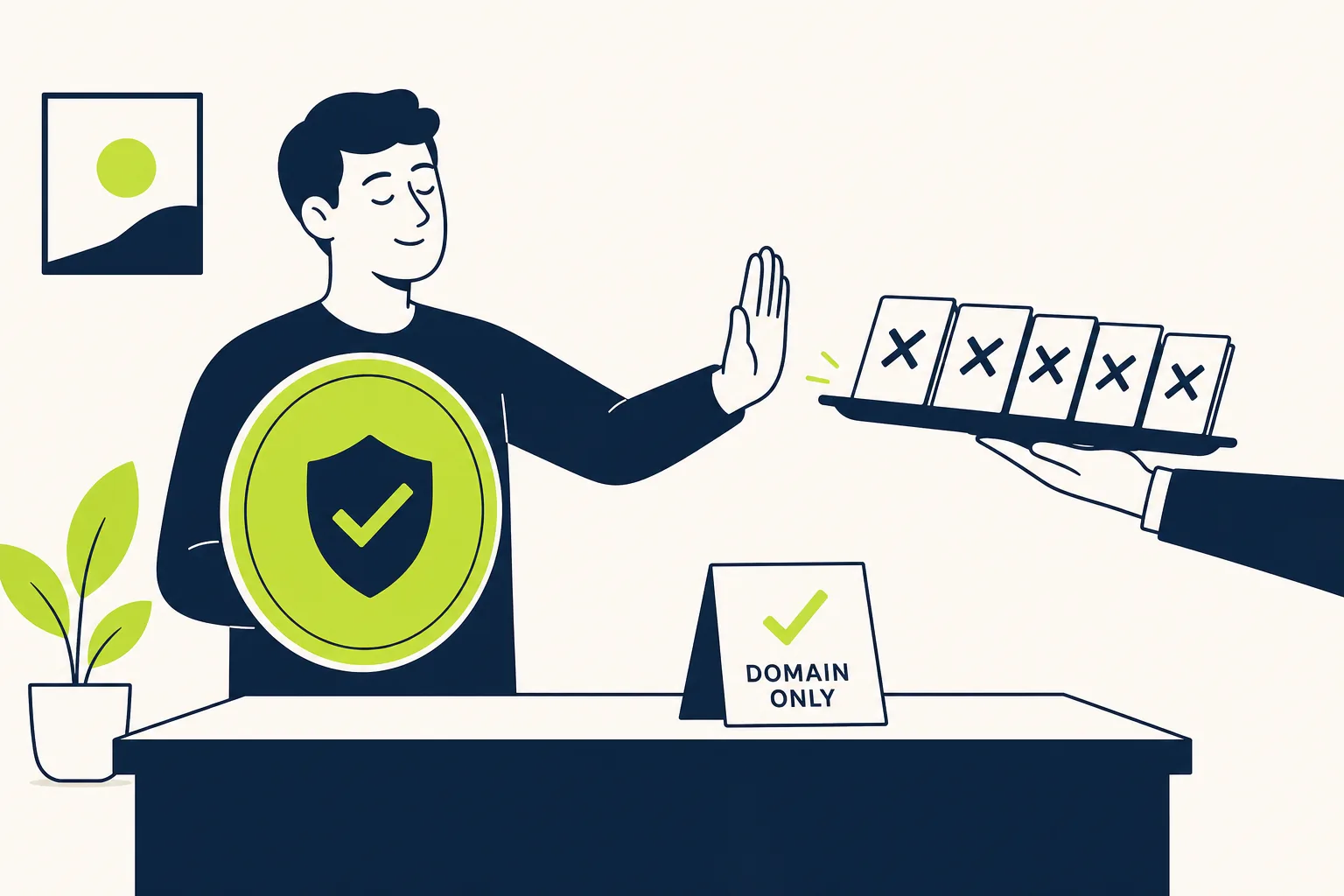
Each of these is a real product the registrar sells; none is something you need today. Knowing the names in advance turns the cart from a stranger's sales pitch into a series of small "no thank you" answers.
- Hosting bundle. A "free year of hosting." Skip it — you will host free on Netlify, and bundling hosting here means hosting in two places and paying for the second one next year.
- Email account. A
you@yourdomain.commailbox for a small fee. Skip it. Free email forwarding makeshello@yourdomain.comland in your real inbox. Pay for a real mailbox only when you need daily correspondence — not today. - SSL certificate. A "secure your site" upsell. Skip it. Your host issues HTTPS automatically, and the host's certificate is what readers' browsers see — not a registrar SSL.
- "Premium DNS." A faster-DNS upsell. Skip it. Your site is small; the difference is invisible at your scale.
- WhoisGuard / privacy (paid). Decline if it is paid. Porkbun, Namecheap (free tier), and Cloudflare include it free. If your registrar charges, you chose wrong.
- Multi-year registration. "Save 15% by registering for three years." Skip it. You may want to move registrars or change the name in year two. One year at a time is the honest policy.
- Site builder / "build a website." Skip it — you are not using a builder; you are using plain HTML files your agent wrote, hosted free.
- Trademark protection / monitoring. A paid alert service for lookalike names. Skip it. You do not need to know on day one.
The list reads like a sales pitch because it is a sales pitch. The only two line items you want on the receipt are the domain and privacy — if the receipt shows anything else, undo it before paying.
What Makes a Good Domain Name
A few short rules cover most of what you need — your agent already proposed a short list using them.
- Short.
quietkitchen.combeatsthebestkitchengadgetsforapartmentdwellers.com. - No hyphens, no numbers. They look spammy, readers will not type them, and "5" gets read as "five" and loses the click.
.comif you can. It is the default readers assume. A topic ending (.studio,.school) is fine if it fits your niche.- Easy to spell out loud. If you have to spell it on a phone call, the name has a problem.
If your name is taken, do not take a hyphenated or numbered variant (quietkitchen-co.com, quietkitchen5.com). It looks unprofessional and the brand never grows. Pick the next name on the list.
DNS in Plain Words: The Phone Book
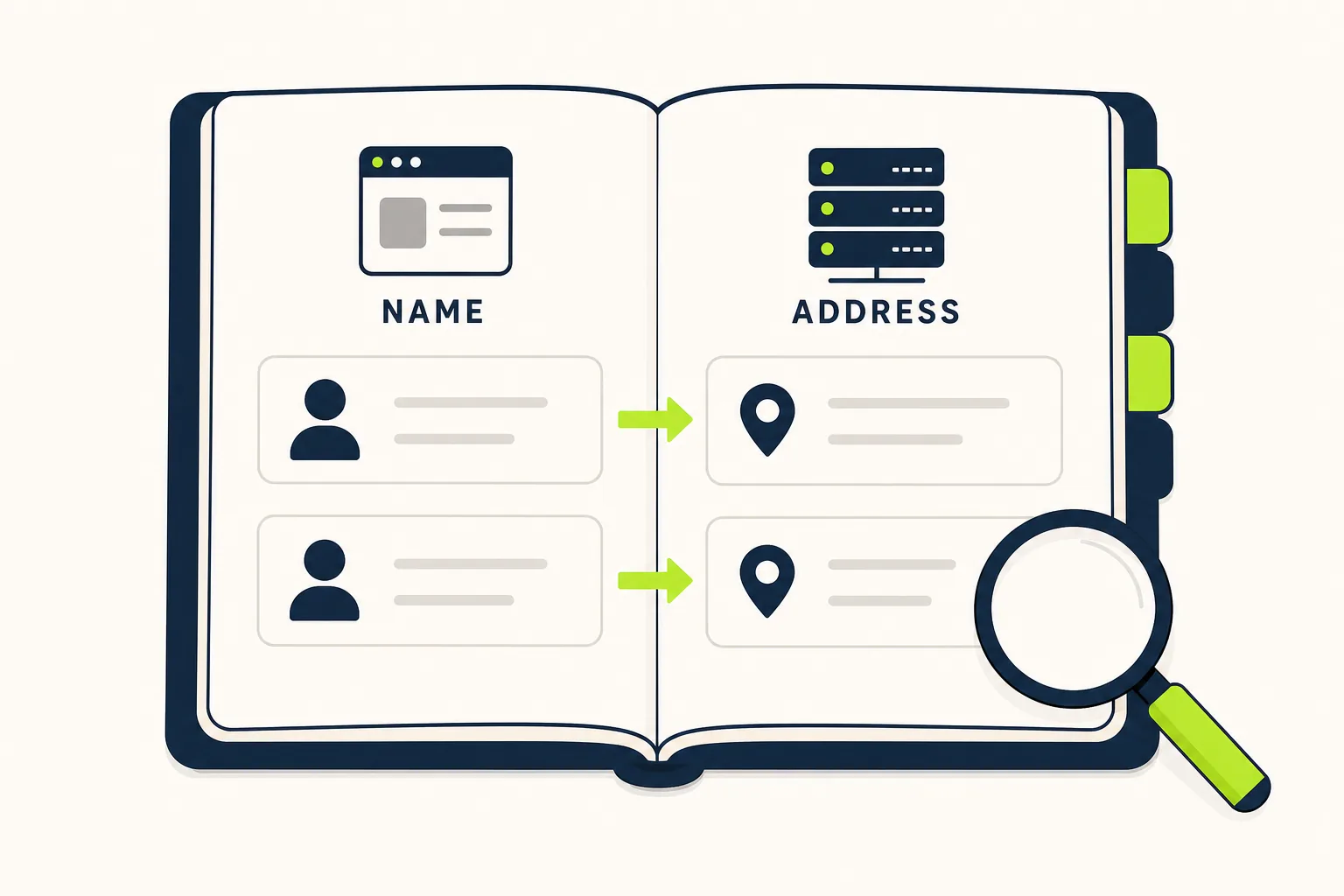
This is the part most beginners skip, and the part that, if you learn it now, saves you ten confused emails later.
DNS is the phone book. Your domain (quietkitchen.com) is the address people type. The host is the building that serves your site. When someone types your domain, the browser asks the phone book "where does this go?" and the phone book answers with the host's address. The browser walks to the host, the host hands over the page, and the reader sees your site. That is the whole trip.
You will see two record types in the registrar's DNS panel. You do not need to learn DNS to deploy — the deployment walkthrough hands you the exact values — but the names stop you from panicking:
- A record — an "address" record: "
quietkitchen.comlives at this IP." - CNAME record — a "nickname" record: "
www.quietkitchen.comis a nickname foryour-site.netlify.app." CNAMEs are the modern way to point one name at another, and what you will use to deploy.
You will also see NS records (nameserver records) — how a domain says "my phone book is over there." For a simple drop deployment you usually leave the registrar's NS alone and add a CNAME instead; do not touch NS unless the host tells you to.
You do not need to memorize this. The point is that when the DNS panel says "Add a CNAME," you do not stare at it like a stranger. You are learning the names so the next click is not a leap.
The Next Step
You now own one year of a .com in your name, privacy on, auto-renew on, with a 30-day reminder set — and a receipt with exactly two line items. The site is not live yet, but the domain is owned, and that is the part only you can do.
Your next step is to deploy the site so the domain points somewhere real. If you are building an affiliate site, the Affiliate Agent Kit walks you through the free hosting step and everything after it — content, source packets, disclosures, the whole honest workflow. Prefer to keep learning? Browse the Learn hub and the free tools, including our guide to keeping AI from lying on your site.
One honest CTA: go buy the domain now, in the next ten minutes. It is the single small step that makes everything else real. The kit will be here when you are ready for the next one.
Results vary. Affiliate marketing involves effort, learning, traffic acquisition, and compliance. Earnings are never guaranteed.
Results vary. Affiliate marketing involves effort, learning, traffic acquisition, and compliance. Earnings are never guaranteed.